logo
Hero background

Automated Updates Keep You Secure

FastCow’s automated updates help resolve customers’ issues, keep their WordPress sites error-free, and improve performance without manual routines.

Money-back

30 Days Money-back Guarantee

Automated Updates (FastCow)

Automatic Updates

Unattended WordPress
Maintenance

img

Automatic Theme & Plugin Updates

Outdated themes, plugins, and third-party scripts can cause security issues. We don’t leave updates to customers; we do automatic updates to help customers stay protected.

img

WordPress Plugin Compatibility Check

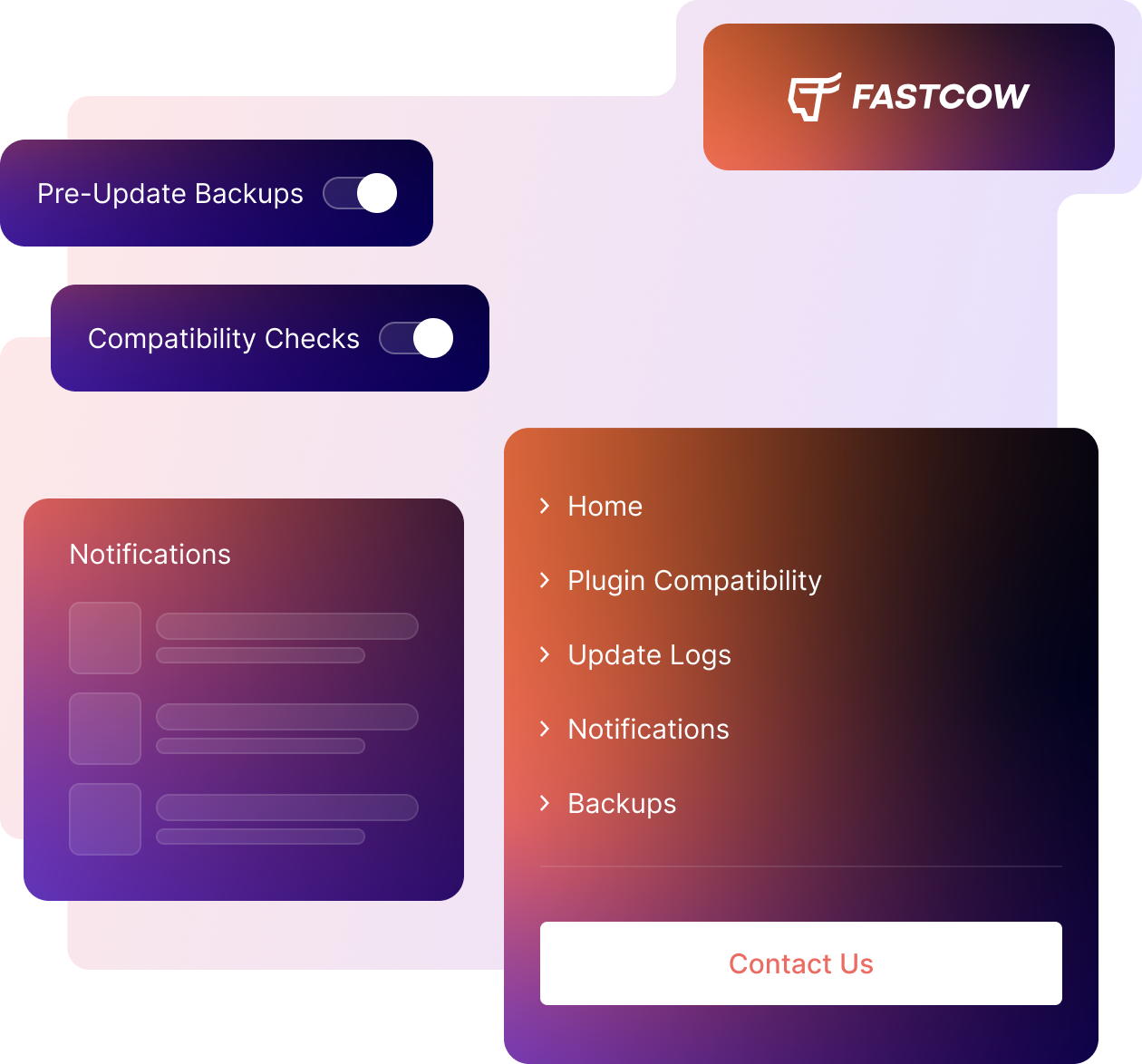
FastCow experts don’t apply updates blindly – before applying new updates, we check and make sure everything makes sense for compatibility – once approved, we apply updates to stay safe.

img

WordPress Core Updates Made Simple

Users don’t need to track updates manually. FastCow’s experts have an eye on new update rollovers and proceed if something new is available.

img

Safe Rollback After Failed Updates

We can automatically revert to previous stable versions if a new update is causing performance issues without letting customers’ sites go offline or experience downtime.

img

Pre-Update Testing in a Staging Environment

FastCow’s systems implement A/B tests when a new update or project is being implemented. It helps our experts ensure a smooth update environment, without affecting existing infrastructure

img

Scheduled & Controlled Update Management

Users can set rules to run automatic updates – specific rules to help customers easily manage their alerts, processes, and A/B tests. We call users’ custom requests our core responsibility.

Risk-Free WordPress Updates

Safe Update Technology

Manage Updates Smartly

FastCow’s A/B tests ensure that an update is making sense for customers’ infrastructure – we make sure, test, and approve new updates before applying to users’ assets – helping us avoid unintended issues

img

Pre-Update Backups

Before applying new updates, FastCow’s experts take full-site backups for customers – ensuring safe reverts if new updates cause issues.

img

Update Logs & Notifications

In the FastCow User Dashboard, customers can see what’s happening with processes, support tickets, or new updates. It helps customers stay informed for decisions or new projects in real-time.

img

Silent Update Execution

We don’t make noise – new updates are executed in the background without disturbing customers’ existing routines – the experts at FastCow are on the job – 24/7.

Smart Updates. Zero Downtime.

FastCow Responsive Updates

FastCow’s experts are careful and care about automatic updates, making sure no leftovers are left behind, and allow users to raise their hands if something is causing issues. You can always track update logs in the Dashboard.

Instant Patch Deployment

We can help you if you need to request and instantly apply a security update – 24/7..

Live System Synchronization

You can see in the FastCow dashboard if update rollovers are finished or require more time.

Continuous Update Delivery

Our systems are running automated updates on a periodic basis, making sure no outdated themes or plugins are left behind that affect customers’ assets.

Rapid Change Propagation

We don’t make users wait for synchronization – our system makes sure users see their latest environments once the updates are applied successfully.

Smart Dependency Resolution

FastCow follows custom update logic – making sure no two update instances fall into race conditions, so users’ assets are not disturbed or create unintended issues.

bg

Run Updates Safely. No Manual Routines, No Custom Requirements.

Safe Testing and Updates Environment

Safe Testing Environment

Implement Approved Updates

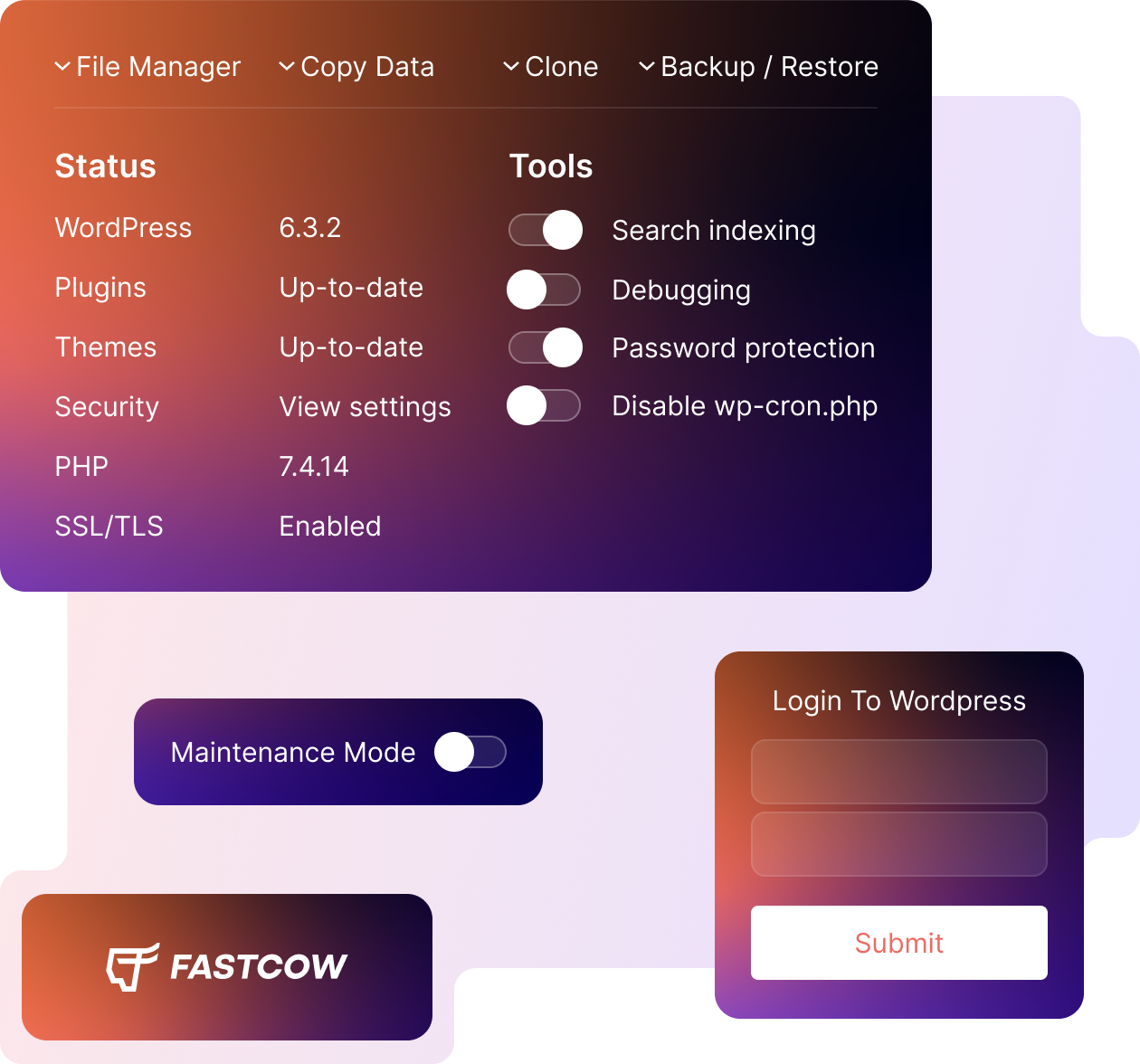
We provide safe testing environments, also known as Staging slots – helping customers assess risks, test new updates, and approve updates if something has no issues – without manual interventions, handled by FastCow experts.

Controlled Implementation of Updates

What Else You Can Expect on FastCow

img

Automatic WordPress Installation

FastCow auto-installs WordPress for new users once a hosting plan is ready to go. If you prefer custom installation, raise your hand and our experts are live to help – 24/7.

img

Manage Users Smartly

Add new users or change roles for existing ones – without letting WordPress go offline. You can always manage User Roles in the FastCow User Control Panel.

img

Manage Multiple Installations

No manual routines – At FastCow, you can easily manage multiple WordPress installations from one place, with no-code options, quickly adaptable and a seamless experience.

Ready To Get Started?

Experience FastCow Smarter Hosting Today

Get started in hours, not days. FastCow offers free migrations, custom expert support, and unattended routines from start to finish. Literally, you can get started at £1 for the first month.

Frequently Asked Questions

Have pre-sales questions?

With FastCow’s managed WordPress hosting, automatic updates, and custom expert support – you can literally imagine the scope of services, no other hosting company can provide or promise – we mean our services.

Automatic updates are used to help website owners automatically update WordPress assets, including the WordPress core, themes, and plugins without manual efforts.

No, FastCow experts help customers avoid downtime or website experience issues while carrying out updates – carefully.

FastCow’s automatic updates include updating WordPress Core, Themes, and Plugins.

Yes, we take site backups before implementing new updates in WordPress. It helps us keep our customers’ assets safe while running updates, helping us keep customers’ assets error-free, speedy, and free from security issues.

Yes – FastCow users can control or disable automatic updates in the dashboard – you can also request manual updating of WordPress assets if you need

Absolutely – website updates improve security, page speed, and user experience. When a new update is rolled out for WordPress, FastCow systems ensure no leftovers are left behind that cause problems